

What is Limits?
Limits is an enterprise-grade policy management platform that enables you to create, manage, and enforce business rules and policies through an intuitive interface. The platform combines AI-powered policy generation with powerful configuration tools, allowing you to:- Create policies using natural language - Describe your requirements in plain English, and AI will generate the policy configuration
- Manage complex business rules - Define conditions, limits, time windows, and velocity checks
- Automate decision-making - Automatically allow, block, or escalate requests based on your policies
- Monitor and audit - Track all policy evaluations through comprehensive logging
- Integrate with your workflow - Connect with Slack and other services for notifications
Platform Overview
The Limits platform provides a comprehensive solution for policy-based request management: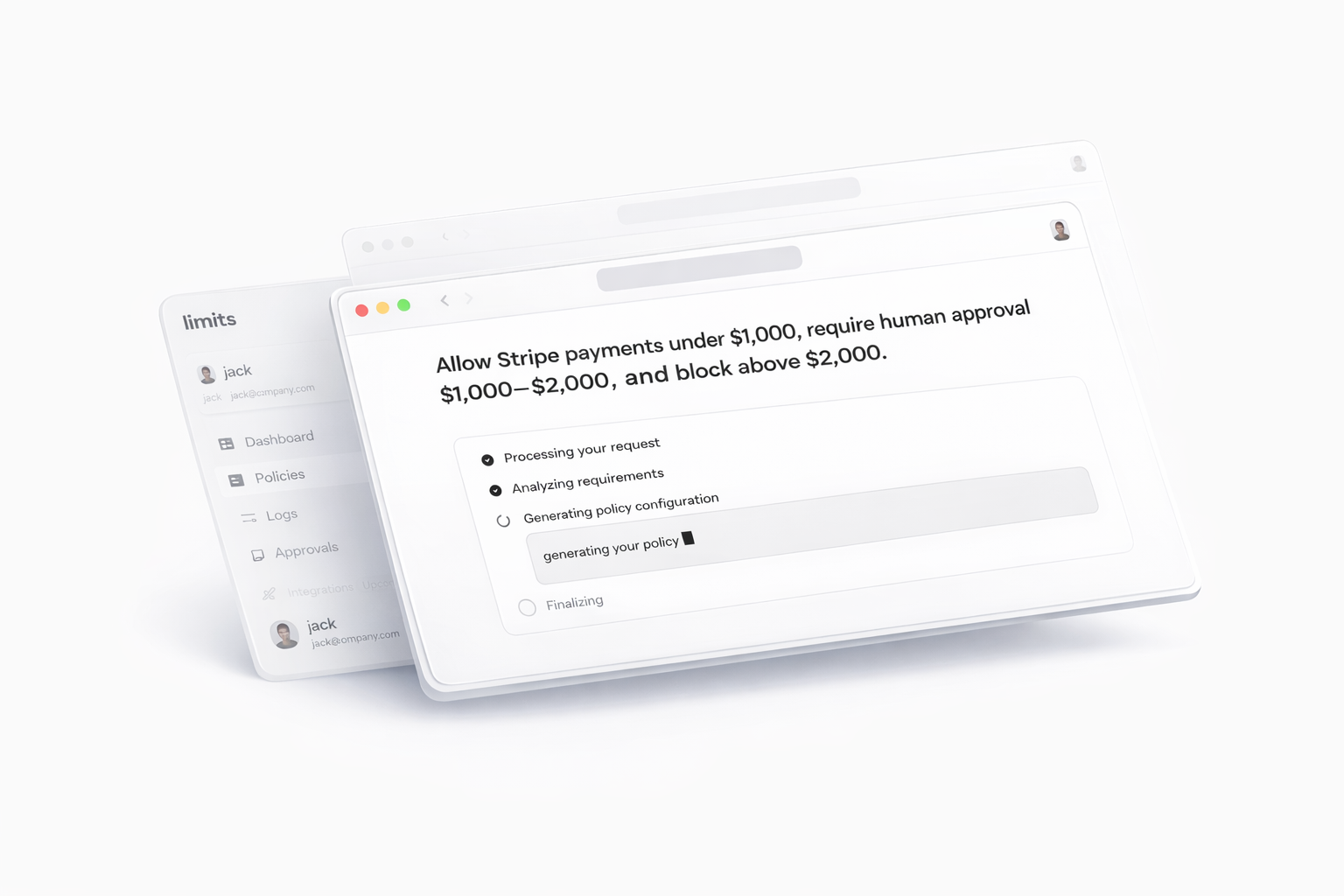
AI-Powered Policy Creation
Use natural language to describe policies, and the AI assistant generates structured configurations
Visual Policy Editor
Fine-tune policies with an intuitive interface for conditions and notifications
Real-time Testing
Simulate policies with sample payloads before deployment
Human Approval Workflows
Escalate decisions for review when needed
Comprehensive Logging
Track all policy evaluations with detailed request/response data
Third-party Integrations
Connect with Slack and webhooks for notifications
Account Setup and Authentication
Signing Up
- Navigate to the sign-up page
- Enter your email address and create a password
- Verify your email address
- Complete your profile information
- You’ll be redirected to the dashboard upon successful registration
Signing In
- Navigate to the sign-in page
- Enter your email and password
- Click “Sign In”
- You’ll be redirected to the dashboard
The platform uses Clerk for authentication, providing secure and reliable user management.
Navigation Overview
The platform features a consistent sidebar navigation with the following main sections:- Dashboard - Overview of your platform metrics and statistics
- Policies - Manage all your policies
- Integrations - Configure third-party integrations
- Logs - View and filter policy evaluation logs
- Approvals - Manage escalated requests
First Steps Guide
1. Explore the Dashboard
- Review your current statistics (active policies, pending approvals, etc.)
- Familiarize yourself with the charts and visualizations
2. Create Your First Policy
- Navigate to the Assistant page
- Try creating a simple policy using natural language
- Example: “Block all requests over $10,000”
3. Review the Logs
- Check the Logs page to see how policies are being evaluated
- Use filters to find specific requests
4. Set Up Integrations
- Connect Slack for notifications
- Configure webhooks if needed
5. Generate API Keys
- Create API keys for programmatic access to the platform